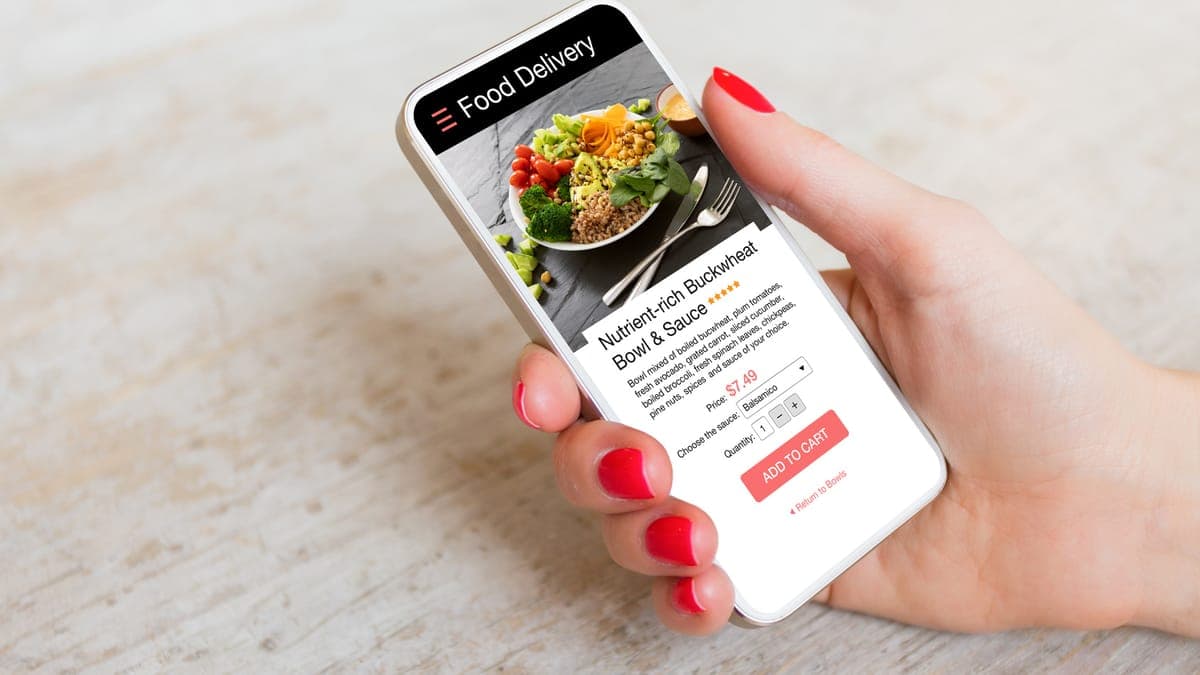
Look at last month's statements from DoorDash, Uber Eats, Grubhub or Menulog and add up every fee. Divide that by your sales through the app. For a lot of restaurants the answer lands somewhere between 15 and 30 percent, and on a takeout menu with thin margins that can be most of the profit on the order.
Then look at who is ordering. A large share is usually the same people, week after week. Those regulars already know you. They don't need an app to find you, they just use it out of habit. Moving them to order direct is where the money is.
Keep the apps, move the regulars
Leaving the apps altogether is rarely the right call. They are good at putting you in front of people who have never heard of you, and for many restaurants that is worth the commission on a first order. The aim is narrower: keep the apps for new customers, and give everyone who already likes you a better reason to order from you.
That takes four things working together: an ordering system you control, a Google listing that points to it, a website that makes ordering obvious, and a nudge at the counter and in the bag.
1. Set up ordering you control
You need an online ordering system that lives on your own website, or at least under your own name. There are plenty of options, from add-ons to your point-of-sale system to dedicated restaurant ordering platforms. When you compare them, look at:
- Total cost: monthly fee, per-order fee and card processing, worked out on a typical month of your orders.
- Your customer data: do you get names, emails and phone numbers, and can you export them if you leave?
- Kitchen fit: do orders go straight into your point of sale or printer, or does someone retype them?
- Delivery: pickup only, your own drivers, or an on-demand driver service, and what each costs per order.
- The phone experience: place a test order on your phone. If it takes more than a minute or asks you to create an account first, customers will give up.
Pickup is the easiest place to start. There is no driver to pay, and regulars who live nearby are often happy to collect.
2. Point your Google listing at it
A lot of takeout orders start on Google. Someone searches your name or "thai near me", sees your listing, and taps the order button. If that button sends them to a delivery app, you pay commission on a customer who was looking for you by name.
In your Google Business Profile, add your own ordering link. Google may also show the delivery apps as ordering options. Where several providers appear, check whether you can set your own as the preferred one, and test what a customer actually sees by searching for yourself on a phone. While you are in there, make sure your menu is on the profile too. Our guide to adding your menu to Google Business Profile covers that step by step.
Want more orders through your own website?
We build fast restaurant websites with ordering connected, then point your Google listing at them. Send us your restaurant's name and city and we'll show you where your orders are leaking to the apps. Free.
Get a free restaurant checkIn Australia? See our Australian cafe and restaurant page.
3. Make ordering the obvious thing on your website
Many restaurant websites hide the order link in a menu, or send people to a PDF and leave them to work out the rest. On a phone, the first screen of your homepage should have one clear Order online button, and it should appear again on the menu page next to the dishes.
- Put the menu on the page as text, with prices, so people can decide before they tap order.
- Show pickup times or delivery areas clearly so nobody has to guess.
- Make the site load fast on a phone. People ordering dinner are hungry and impatient.
If you are planning a new site, our guides to what a restaurant website costs in the US and what it costs in Australia explain what to budget, including ordering.
4. Nudge customers to switch
Regulars won't change a habit unless you ask them to, and give them a reason. The easiest places to ask are the ones they already see:
- A card in every app order bag with a QR code to your ordering page and a simple reason to use it, such as a free drink or side on their first direct order.
- The counter and tables for dine-in and pickup guests: a small sign that says you can order direct for pickup next time.
- Your Instagram and Google posts, with the ordering link, when you add a new dish or run a weeknight special.
- The receipt or confirmation email from direct orders, inviting them back.
Keep the reason honest and simple. Many restaurants price a little higher on the apps to cover commission and keep their own prices normal, which gives customers a real saving for ordering direct. Check the terms of your agreement with each app before you do this.
Use the customer list
Direct orders give you something the apps keep to themselves: the customer's contact details. Use them gently. A short email or text when you launch a new dish or have a quiet Tuesday to fill is welcome. Daily discount blasts are not. Always ask permission and include a way to unsubscribe.
Track what changes
Pick three numbers and check them every month: direct orders, app orders and the total fees you paid to the apps. If direct orders rise and app fees fall while total orders stay steady or grow, it is working. Most restaurants see the shift build over a few months as regulars change habits, not overnight.
What it costs to set up
We build restaurant and cafe websites with ordering connected and your Google listing pointed at it. In the US, a website starts from US$2,000 one-off, with a care plan from US$120 a month for hosting, updates and menu changes. In Australia, a website starts from A$2,800 with a care plan from A$150 a month. The ordering platform's own fees are separate and paid to the provider you choose.
FAQs
How much do DoorDash and Uber Eats charge restaurants?
Commissions on the big delivery apps commonly run 15 to 30% per order, depending on the plan you choose and whether the app supplies the driver. Some plans add fees for marketing or payment processing on top. Check your own statements: the real figure is your total fees divided by your total sales.
Should I leave the delivery apps altogether?
Usually not. The apps are good at finding people who have never heard of you. The aim is to keep them for new customers and move your regulars to ordering direct, where you keep more of each order and get their contact details.
What does commission-free online ordering actually cost?
Most direct ordering systems charge a monthly subscription, a small per-order fee, or both, plus card processing. Delivery costs extra if you use a driver service. It is rarely free, but for a busy takeout menu it typically costs a lot less than app commission.
Can customers order from my Google listing?
Often, yes. Google can show an order button on your listing that links to ordering providers, and you can add your own ordering link in your Business Profile. Where several providers appear, check whether you can mark your own system as the preferred one.
Should my direct ordering prices be lower than on the apps?
Many restaurants charge a little more on the apps to cover commission and keep direct prices at their normal level. That gives regulars an honest reason to order direct. Check your agreement with each app first, as terms vary.