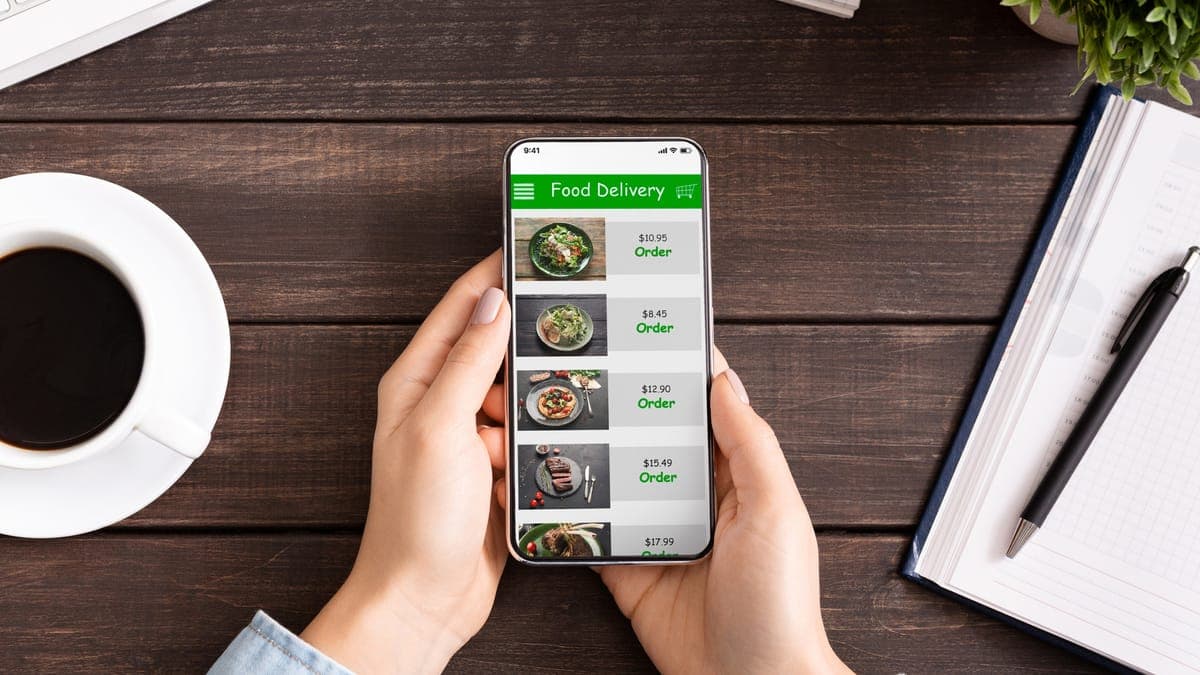
When someone finds your cafe on Google Maps, the menu is usually the next thing they tap. They want to know if you do a proper big breakfast, whether there is anything gluten free, and roughly what it will cost. If the menu is missing, out of date or a blurry photo of a chalkboard from 2022, plenty of people simply go back and pick the next place on the list.
Getting your menu onto your Google Business Profile properly takes about an hour. Here is how to do it, and how to stop Google showing the wrong one.
The three ways a menu shows up on Google
Google can show a menu on your listing in three different ways, and most cafes end up with a mix of all three:
- Menu items added in the profile's menu editor: sections, dish names, descriptions, prices and photos, shown as a tidy list on the listing.
- A menu link that sends people to a menu somewhere else, ideally a page on your own website.
- Menu photos, uploaded by you or by customers, which Google can show in a Menu tab.
Google may also pull menu details from your website or from an ordering or booking provider you use. That is where most "wrong menu" problems come from, so keep all three of your own sources current and the others have less room to take over.
Before you start
Check two things. First, that you are signed in with the Google account that manages the profile. Second, that your primary category is a food and drink one, such as Cafe, Coffee shop or Restaurant. The menu options only appear for those categories. If you are not sure your category is right, our guide to Google Business Profile categories for cafes and restaurants walks through it.
Have your menu open as a document, not a photo. You will be copying from it, and it is much faster to paste text than to retype it.
Step 1: Add your items in the menu editor
Search your cafe's name on Google or open it in Google Maps while signed in. You will see the owner tools for your profile. Choose to edit the profile, then look for the menu section (Google moves this around, and it can sit under a heading like Food and menu). From there:
- Create sections that match how people order: Breakfast, Lunch, Coffee, Cold drinks, Sweets. Keep the names short and plain.
- Add each item with its name, price and a one-line description. Say what is actually in it: "Two poached eggs, smoked salmon, spinach, hollandaise on sourdough" tells people more than "Our famous benny".
- Mention dietary options in the description where they apply, such as vegan, gluten free or dairy free. People search for those words.
- Add a photo to your best sellers. A real photo of the dish taken on a phone near a window is fine.
You don't need every item on day one. Start with the dishes that sell most and the ones that make you different, then fill in the rest over the week.
The menu editor isn't available to every business. If you can't find it after checking your category, skip to steps 2 and 3, which work for everyone.
Not sure what your listing looks like to a customer?
Send us your cafe's name and suburb. We'll check your Google listing, menu and website the way a hungry customer sees them, and send you the first three things we'd fix. Free.
Get a free cafe checkStep 2: Add a menu link to your website
In the same edit screen there is a field for a menu link. Point it at the menu page on your own website, not at a delivery app and not at a PDF file.
The reason is simple. A menu written as text on your website loads quickly on a phone, can be read without zooming, and tells Google what you serve. A PDF does none of those things well. We explain the problem in detail in is a PDF menu bad for your restaurant, along with how to fix it in an afternoon.
If your website doesn't have a proper menu page yet, it is worth adding one before anything else on this list. Our cafe website checklist covers what that page should include.
Step 3: Upload good menu photos
Customers upload photos of menus all the time, and Google shows them. Some will be blurry, some will be from two price rises ago. You can't delete other people's photos, but you can upload better, newer ones so yours are the ones people see.
- Photograph each page of your printed menu flat, in daylight, straight on, with no glare.
- If you use a chalkboard, photograph it after each change.
- Upload them through your profile's photo section and choose the menu category if you are offered one.
If a customer photo shows a seriously wrong menu, or a menu from a different business, you can report it from the photo itself. Google decides whether to remove it.
Fixing a wrong or outdated menu
If Google is showing old dishes or old prices, work through this in order:
- Update the items in the menu editor, or delete the ones you no longer serve.
- Check the menu link still points at the right page, and that the page itself is current.
- Upload fresh menu photos.
- Check any ordering, booking or menu platform you use. If one of them feeds a menu to Google, update it there as well.
Changes usually show within a few days. Google sometimes reviews edits before publishing them, so don't make the same change five times if it doesn't appear straight away.
Keep it current
A menu on Google is only useful if it matches what you serve. Pick one person to update it whenever the menu changes, and add it to the same checklist as the printed menu and the website. Seasonal menus are a good reason to post on your profile too: a short post with a photo of the new dish gives regulars a reason to come back. Our guide to writing Google Business Profile posts has examples.
Done properly, the menu is one of the parts of your listing that turns a look into a visit. It costs nothing but an hour, which makes it one of the easiest wins on your profile.
FAQs
Why can't I see the option to add a menu on my Google profile?
Menus are offered for food and drink categories, so check your primary category is something like Cafe or Restaurant rather than Store or Caterer. The menu editor is also not available for every business or country, and Google moves the option around between updates. If you still can't see it, add a menu link and upload clear menu photos instead.
Should I add a link to a PDF menu on Google?
Link to a menu page on your website instead. A PDF makes people on a phone download a file and pinch to read it, and it doesn't help your website show up in search. If a PDF is all you have for now, it is still better than no link at all.
Why is Google showing an old menu for my cafe?
Google can show menus from several places: your own edits, photos customers uploaded, your website and ordering or booking providers. Update the menu editor and your menu link first, then upload new menu photos. If an ordering provider is supplying the menu, update it there too.
Do I need to add prices to my Google menu?
Prices are optional, but people use them to decide whether you fit their budget before they walk in. If your prices change often, update the menu when they do. A wrong price on Google leads to awkward moments at the counter.
Does adding a menu help my Google Maps ranking?
Google uses what your listing and website say about you to decide which searches you are relevant for. A menu that names your dishes gives it more to work with, for searches like "eggs benedict" or "vegan brunch". It won't outweigh reviews and distance, but it helps.