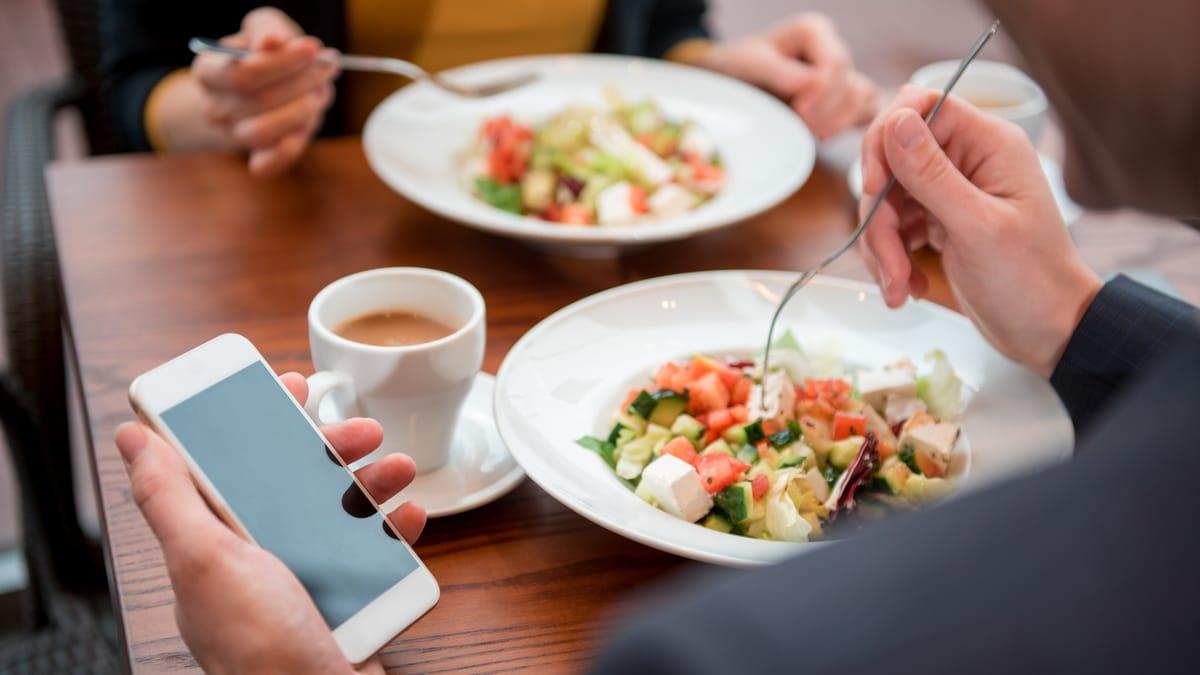
Think about when people open a restaurant's website. They are on the footpath deciding where to eat, on the couch choosing Friday's dinner, or in the car park checking whether you take bookings. They are on a phone, often on mobile data, and they want one thing: the menu, the hours or the booking button.
If the page sits on a white screen while a large video loads, they hit back and tap the next restaurant on the list. You never see that lost visit in your numbers. This post explains how to check your restaurant website speed, what Google measures, and what usually slows these sites down.
Why speed matters more for restaurants
Most businesses get website visitors at a desk. Restaurants get them in the moment, on a phone, with a hungry person waiting. The site doesn't need to impress them. It needs to answer a question in a few seconds.
Speed also matters to Google. Page experience, including how fast the main content loads on mobile, is one of the things Google looks at, and Google uses the mobile version of your site for ranking. A fast site won't outrank a more relevant one on speed alone, but a slow one gives away an easy advantage. For a restaurant competing with the places down the street, that can be the difference.
How to test your restaurant website speed for free
Google's free PageSpeed Insights tool (pagespeed.web.dev) is the best place to start. Paste in your homepage address and look at the Mobile tab, not Desktop. You'll see two things:
- Real user data at the top, if your site gets enough visits. This is how the site actually performed for people on Chrome over the last 28 days, and it is the version Google cares about.
- A lab test below, with a score out of 100 and a list of suggested fixes. Useful for finding causes, but don't chase the score for its own sake.
Then do the human test. Take your own phone, switch off Wi-Fi, close the browser and open your site from a Google search. Count how long until you can read the menu or tap the booking button. If it is more than a few seconds, customers are leaving.
If your site is set up in Google Search Console, the Core Web Vitals report there shows which pages Google rates as poor, needs improvement or good.
What Core Web Vitals measure
Core Web Vitals are Google's three measures of how a page feels to use. Google's published guidance on web.dev sets these targets for a good experience:
- Largest Contentful Paint (LCP): how long the main content takes to appear. Good is 2.5 seconds or less.
- Interaction to Next Paint (INP): how quickly the page responds when someone taps a button. Good is 200 milliseconds or less.
- Cumulative Layout Shift (CLS): how much the page jumps around while it loads, the reason people tap the wrong button. Good is 0.1 or less.
Google checks these on real visits, so a fast result on your office Wi-Fi doesn't mean much. The phone on mobile data is the test that counts.
Want to know how fast your site really is?
Send us your restaurant's website. We'll test it on a phone the way your customers use it, check your Google listing too, and tell you the first things we'd fix. Free.
Get a free website checkWhy restaurant websites are slow
We see the same causes again and again on cafe and restaurant sites:
- Huge photos. A food photo straight from a camera can be several megabytes. Resized and compressed for the web, it looks the same on a phone at a fraction of the size.
- Autoplay video at the top of the homepage. It looks great on a big screen and makes a phone on mobile data wait. Use a still photo on mobile, or a short, compressed clip.
- PDF menus. A PDF has to download in full before anyone can read it, then it needs pinching and zooming. A text menu on the page is faster and better for Google. Our post on why a PDF menu is bad for your restaurant explains the fix.
- Too many add-ons. An Instagram feed, a chat widget, a pop-up offer, a booking widget and an ordering widget each load their own code. Keep the ones that bring in bookings or orders, and drop the rest.
- Heavy themes and cheap hosting. Some page-builder themes load a lot of code you never use, and the cheapest shared hosting can be slow to respond. Our comparison of Squarespace, Wix and WordPress for cafes covers how each platform handles this.
- Pop-ups that cover the page. A full-screen sign-up box on a phone blocks the one thing the visitor came for, and Google treats intrusive pop-ups on mobile as a poor experience.
Quick fixes you can make this week
- Replace the homepage video with a single, well compressed photo on mobile.
- Resize every large image to the size it is shown at, and save it in a modern format such as WebP.
- Put your menu on the page as text, with the PDF as an optional download.
- Remove any widget or plugin you can't name a reason for.
- Make the booking or ordering button visible without scrolling on a phone.
Then run PageSpeed Insights again. Keep a note of the date and the result, so you can tell whether a later change made things slower. Speed tends to creep backwards as new photos and plugins are added, which is why it belongs on a monthly website maintenance checklist.
When to rebuild instead of fixing
If the site is on an old theme, can't be edited without a developer, and still fails on a phone after the quick fixes, a rebuild is often cheaper than patching. A focused restaurant site with a text menu, clear hours, a booking or ordering button and well sized photos is quick by default.
Our cafe and restaurant websites start from A$2,800 one-off in Australia (from US$2,000 on our US page), and a care plan covering hosting, updates and menu changes starts from A$150 a month. For typical market prices, see how much a restaurant website costs in Australia.
FAQs
How fast should a restaurant website load?
Google's guidance is that the main content of a page should appear within 2.5 seconds for a good experience. For a restaurant, aim for the menu, hours and booking button to be readable within a few seconds on a phone using mobile data.
How do I check my website speed on mobile?
Paste your address into Google's free PageSpeed Insights tool and read the Mobile tab. Then test it yourself on your phone with Wi-Fi switched off, since that is how many customers will see it.
Does website speed affect Google rankings?
Yes, as one signal among many. Google considers page experience, including Core Web Vitals, but relevance matters more. A slow site mostly costs you visitors who give up before it loads.
Why is my Squarespace or Wix site slow?
Usually because of large images, autoplay video, too many embedded widgets or an Instagram feed on the homepage. The platforms themselves can be quick if the pages are kept light.
Is a PDF menu slow on mobile?
Yes. The whole file has to download before anyone can read it, and it is hard to read on a small screen. A menu written as text on the page loads faster and helps Google understand what you serve.